
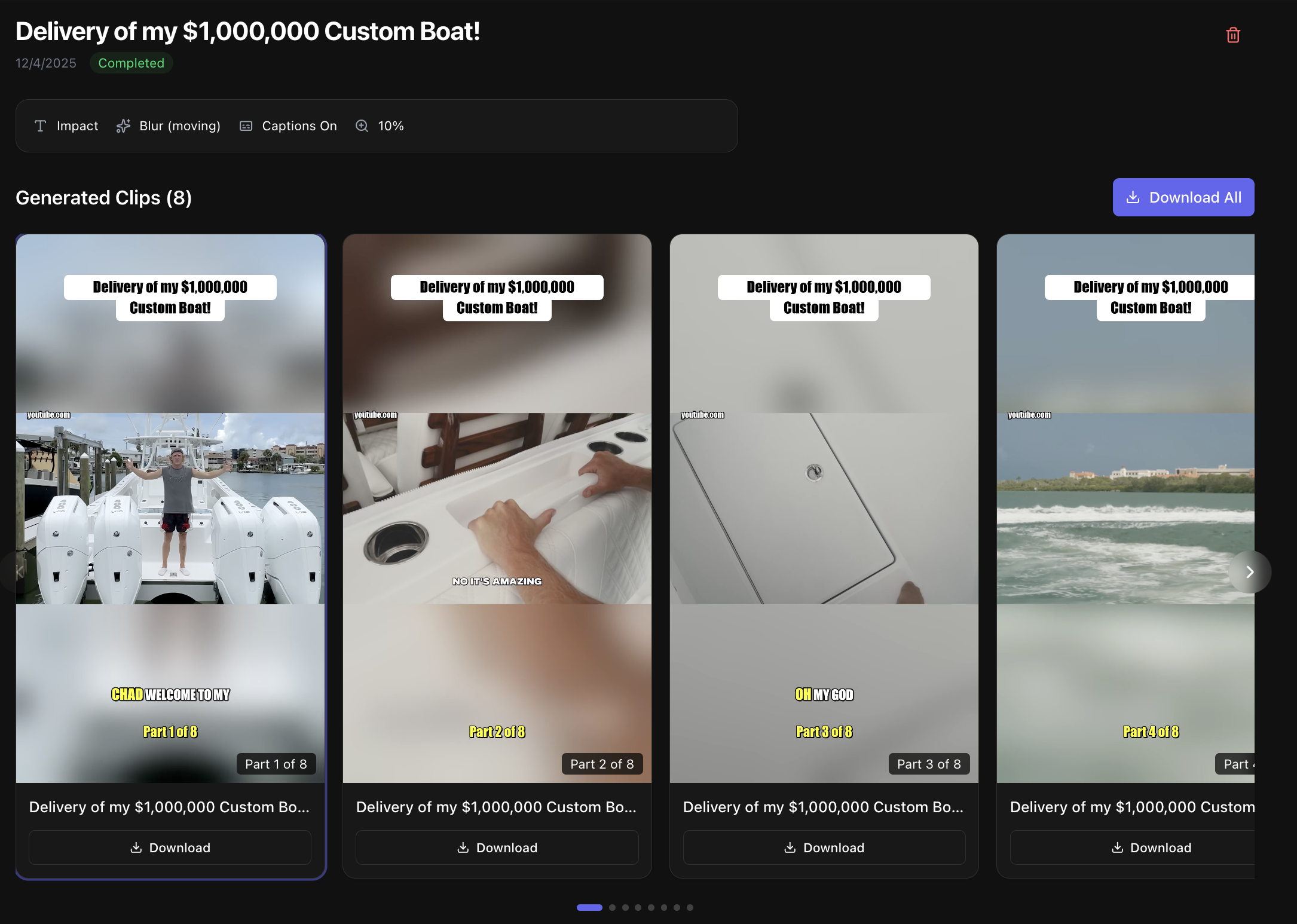
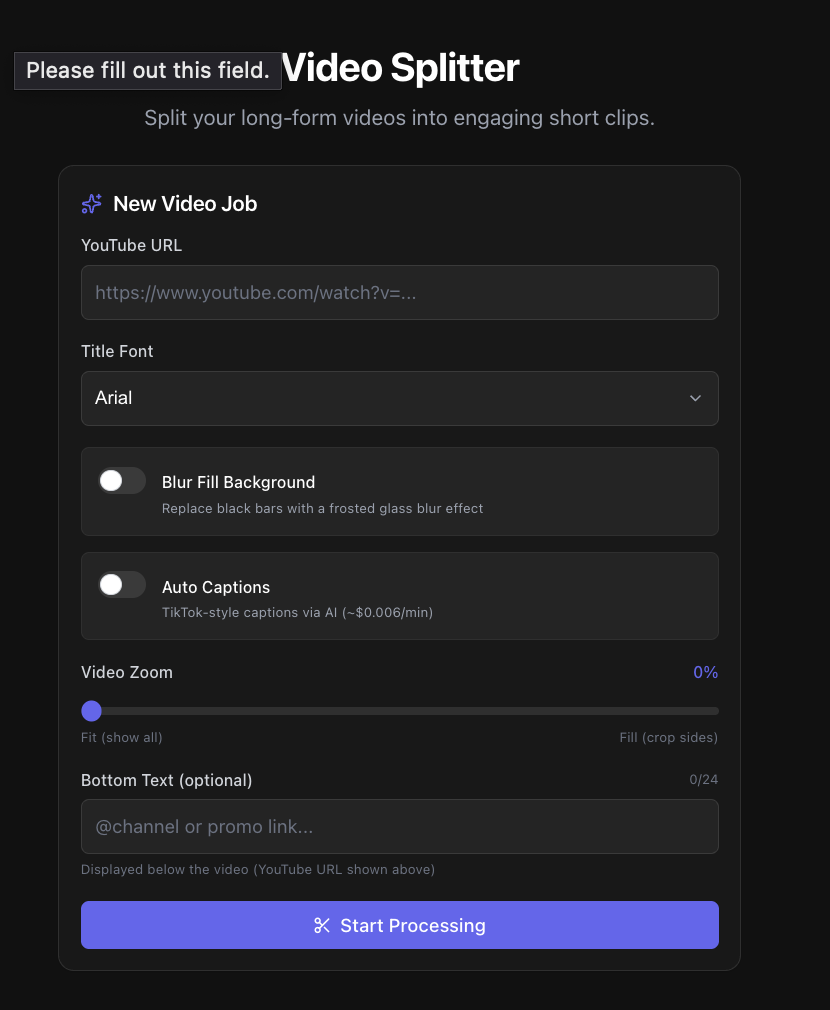
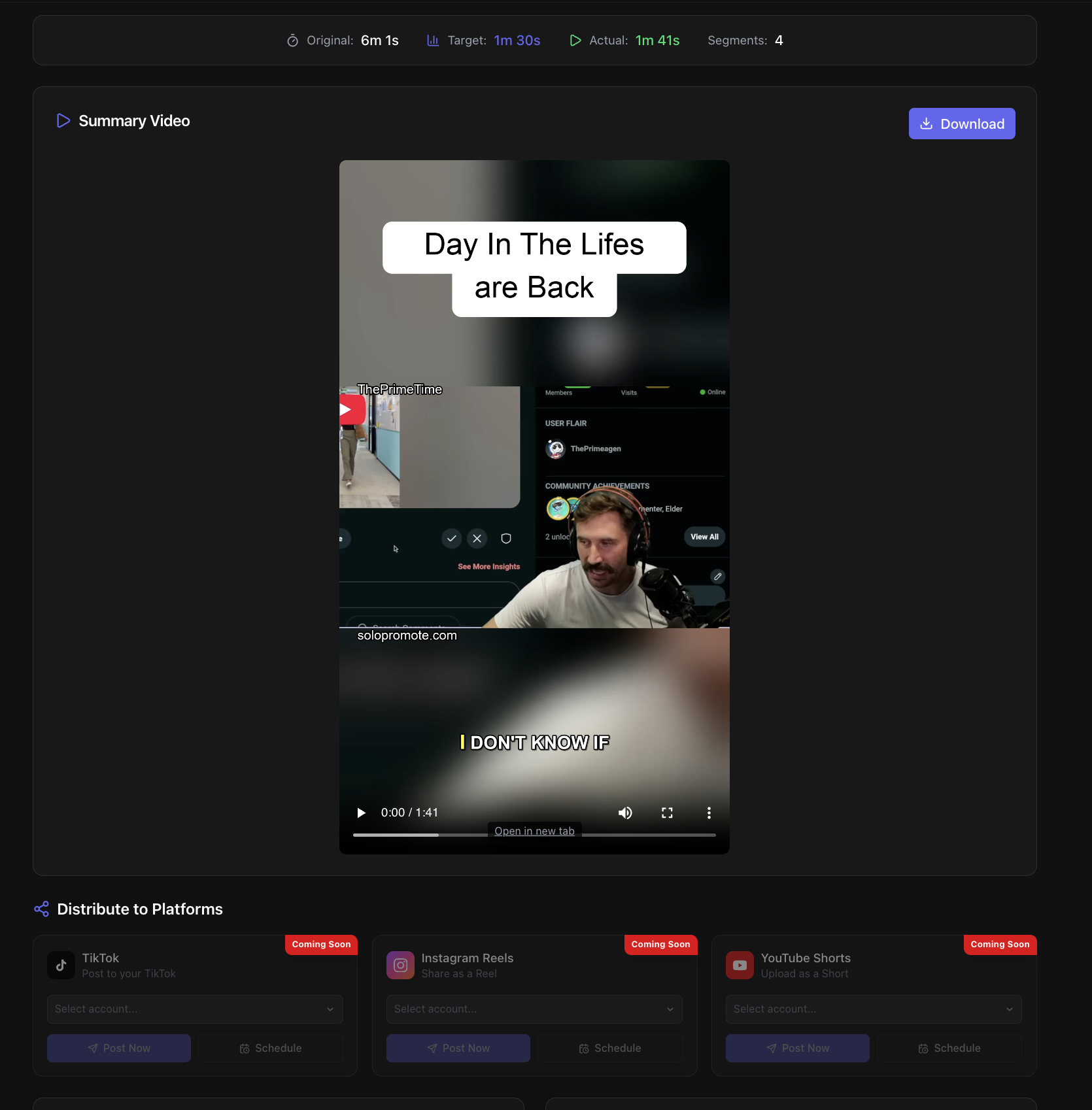
How It Works
Transform your long-form content into viral shorts in minutes.
1. Paste Your Video
Drop in any YouTube link. We handle the rest — no downloads or editing software needed.
2. Customize Your Style
Choose your font, add auto-captions, pick blur effects, and set your target length. Make it yours.
3. Get Ready-to-Post Clips
AI finds the best moments and creates vertical shorts. Download and post to TikTok, Reels, or Shorts.
Simple, Transparent Pricing
Choose the plan that fits your content creation needs.
Basic
Perfect for getting started
- UNLIMITED video splitting
- Up to 10 video promotions per month
- 5 saved subreddit templates
- Discord message formatting
- Basic analytics dashboard
- Email support
Pro
For serious content creators
- UNLIMITED video splitting
- Unlimited video promotions
- Unlimited subreddit templates
- Discord webhook integration
- Advanced analytics & insights
- AI-powered post optimization
- Priority support
Frequently Asked Questions
How does the video splitter work?
Simply paste any YouTube URL and our AI analyzes your video to find the most engaging moments. It automatically creates vertical short-form clips optimized for TikTok, Reels, and YouTube Shorts — no downloads or editing software needed.
What's the difference between Video Splitter and Video Summarizer?
Video Splitter creates multiple separate clips from your video, each highlighting a different engaging moment. Video Summarizer condenses your entire video into one short summary (10-120 seconds) that captures the key points — perfect for trailers or quick previews.
Do I need any video editing skills?
Not at all! Everything is automated. Just paste your YouTube link, choose your style preferences (fonts, captions, blur effects), and we handle all the technical work. Your clips come out ready to post.
How long does processing take?
Most videos are processed within 5-15 minutes depending on length. You can leave the page and we'll have your clips ready when you return — no need to wait around.
Can I add captions to my clips?
Yes! We offer TikTok-style auto-captions that display word-by-word as the video plays. Captions are AI-generated from your video's audio and dramatically increase engagement and accessibility.
Is there a video length limit?
We support videos up to 3 hours long. Whether it's a podcast, tutorial, or vlog, our AI can find the best moments. Longer videos often produce more high-quality clips!
Can I cancel my subscription anytime?
Absolutely. No contracts or commitments. Cancel anytime from your settings page and you'll retain access until the end of your billing period.
What makes the clips look professional?
Our blur fill feature replaces ugly black bars with a frosted glass effect. Combined with custom fonts, auto-captions, and zoom controls, your clips look native to each platform — not like lazy reposts of horizontal videos.